RepBolt for Android.
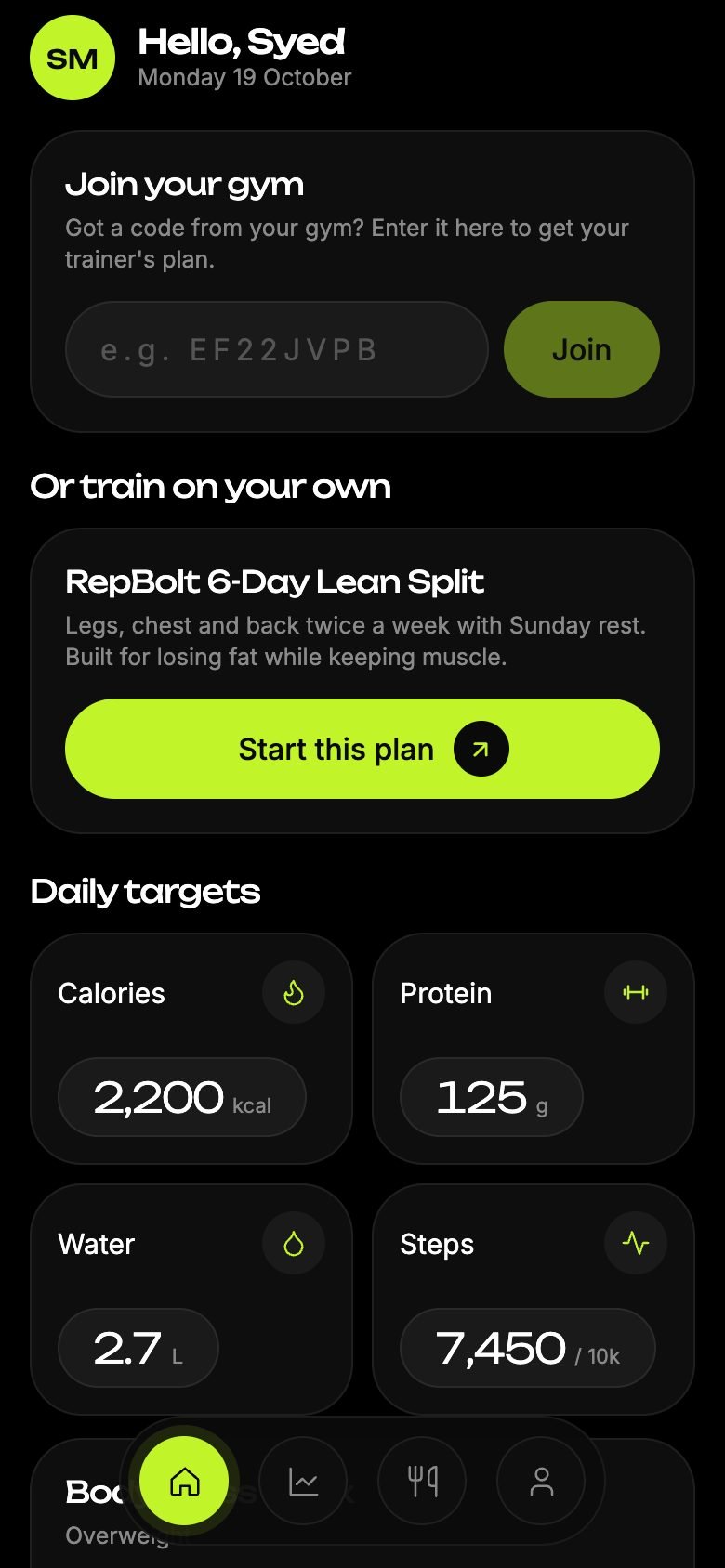
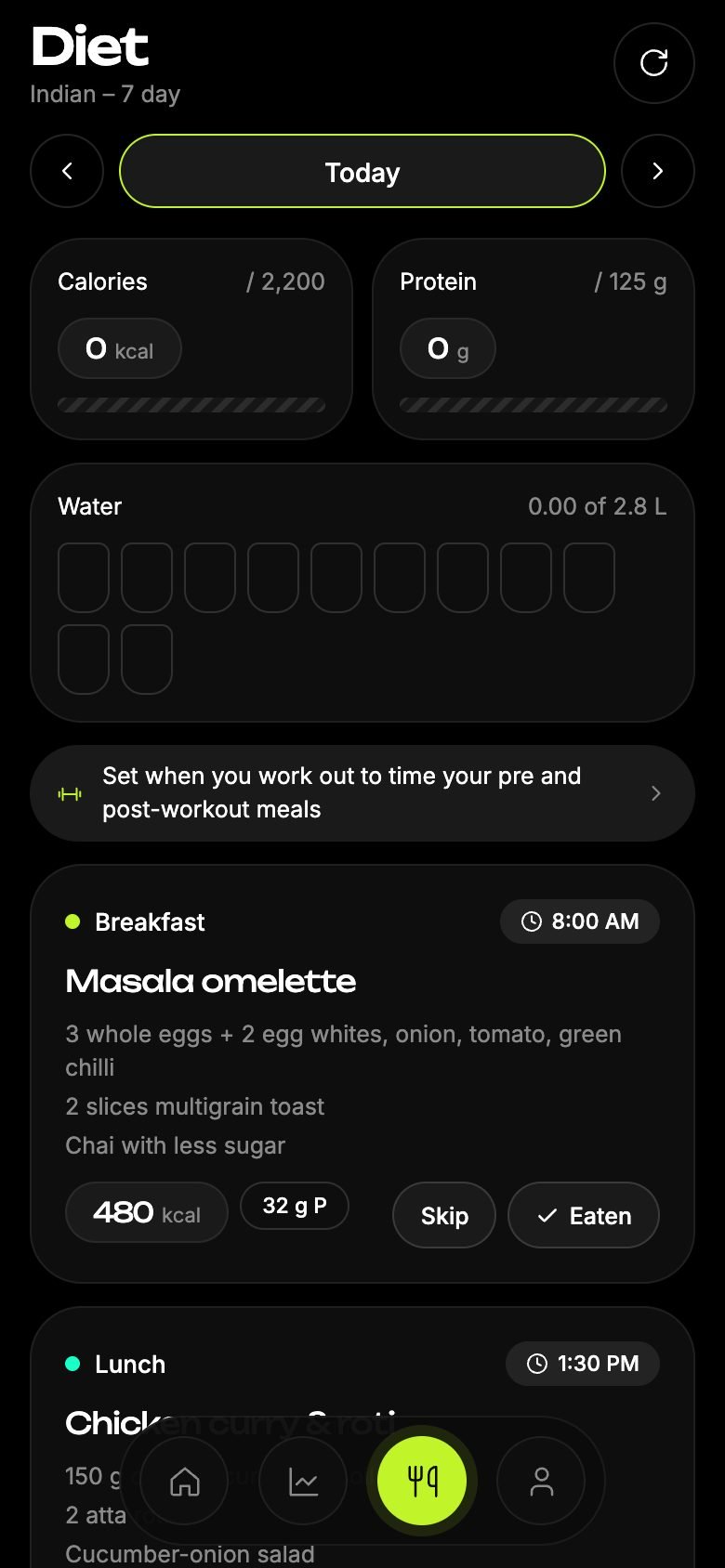
Today's workout with the weight to lift, your diet with meal and water reminders, your steps and activity, and your time with your trainer, on your phone.
Install in two minutes
RepBolt isn't on the Play Store yet, so Android asks a couple of extra questions the first time.
Download the APK
Tap Download below. Your browser may say the file could harm your device; that warning shows for every app installed outside the Play Store. Tap Download anyway.
Allow installing
Open the downloaded file. If Android asks, tap Settings → turn on "Allow from this source" for your browser, then go back.
Install
Tap Install. If Play Protect asks, tap "Install anyway": RepBolt is signed by w3builders Technology Solutions LLP and checked before every release.
Sign in
Open RepBolt and sign in, or create an account. Got a code from your gym? Enter it on the home screen to get your trainer's plan.
Signed and verified
Every release is signed with RepBolt's own key, so Android only installs genuine updates over it.
Steps and health apps
Counts your steps, and connects to Google Fit, Samsung Health and smartwatches through Android's Health Connect, only if you allow it.
Updates
When a new version is out, download it from this page again and install it over the old one. Your data stays.
Is it safe to install an APK?
Yes, when it comes from the maker's own website like this one. RepBolt contains no ads or trackers. Your data is handled as described in our privacy policy.
Do I have to pay?
No. When your gym uses RepBolt, your gym pays for your seat and the app is free for you.
iPhone?
The iPhone app is coming to the App Store. Until then, use RepBolt in Safari: app.repbolt.com, and add it to your Home Screen.
How do I delete my account?
In the app: Profile → Delete account. More on the delete account page.